Matching
Sort It
Sorting pictures by class, function, or feature
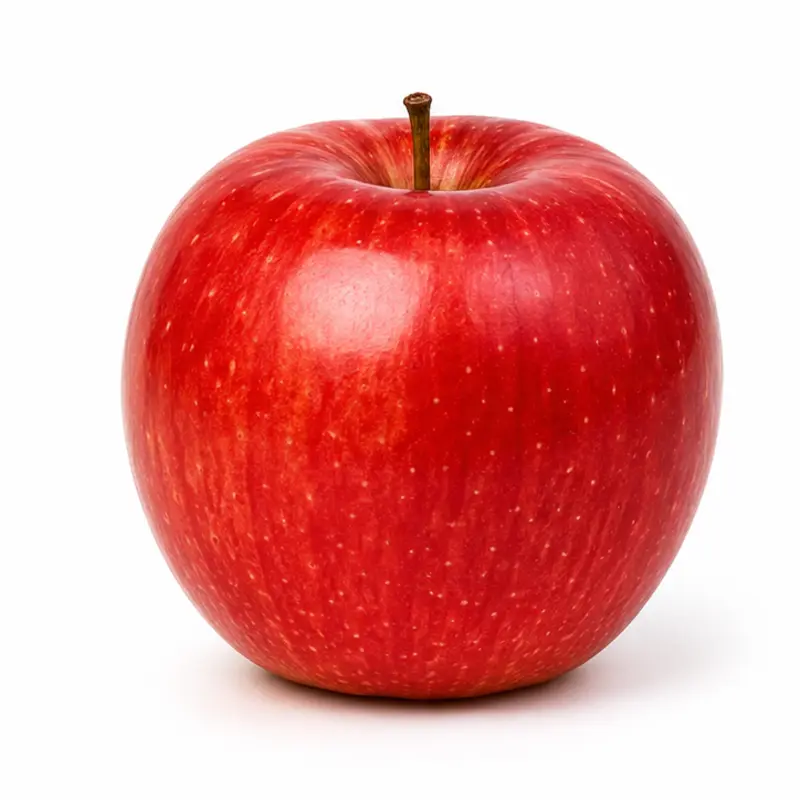
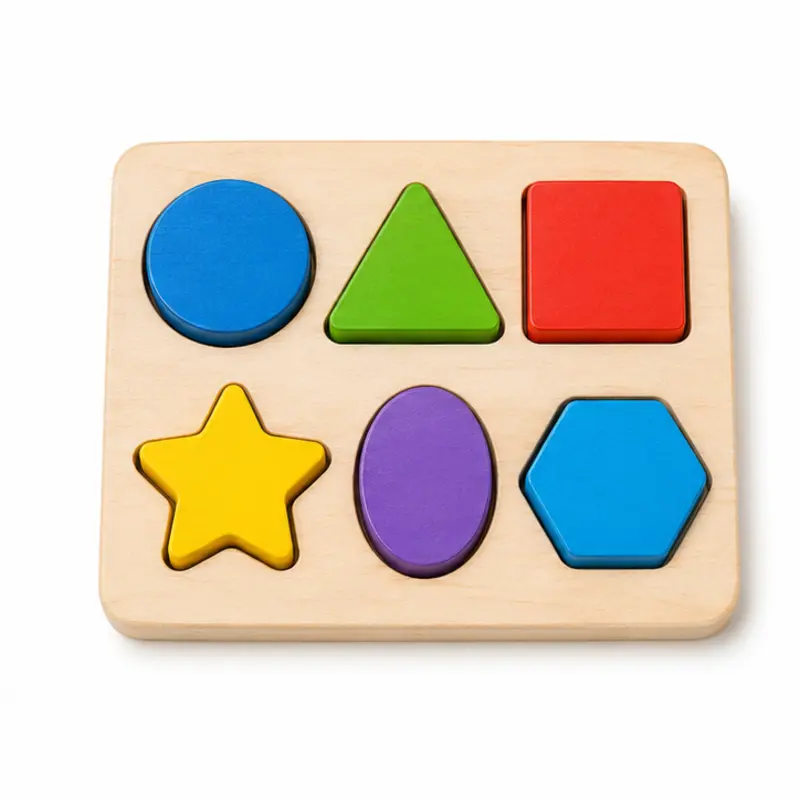
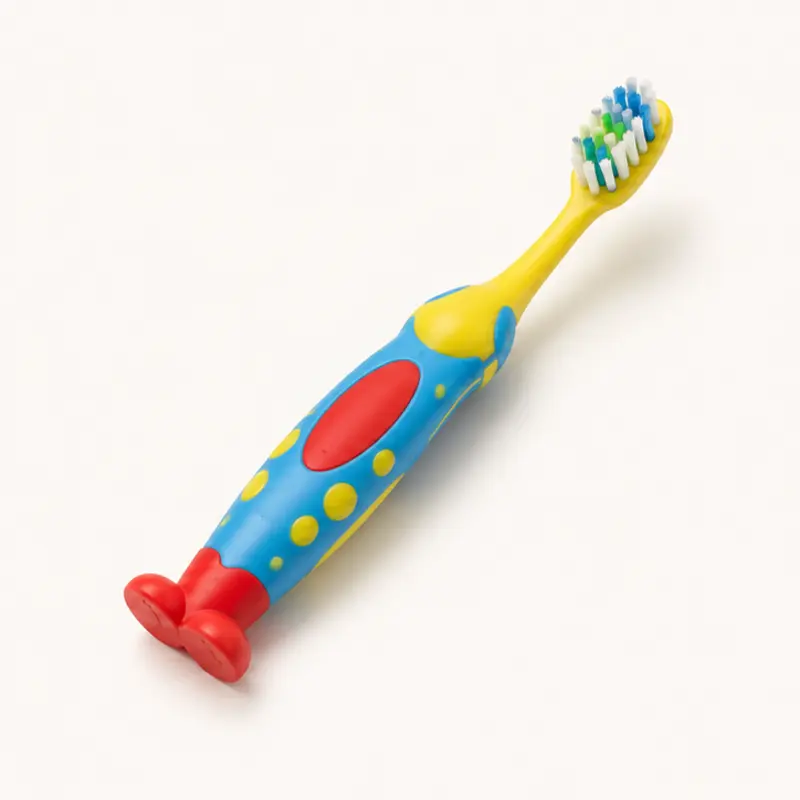
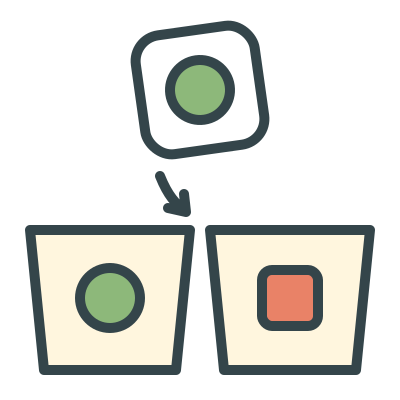
Two or three bins sit at the bottom, each with an example picture and a name, such as Animals, Things you wear, or Things with wheels. One picture at a time appears above them. The learner drags it into the bin where it belongs, or taps that bin. For learners who read, the bins can show only their names.
When
- After Match It’s Same group level, when the learner can match items from the same group one at a time.
- Building categories before listener or intraverbal work by function, feature, and class (Which One?).
- Checking that a learner groups different photos of different items, not just identical pictures.
Why
- By default each bin shows an example, so the learner can sort without reading the bin’s name. Say the name yourself if that’s part of your program. Words only takes the pictures off the bins, so the learner has to read the names.
- Bins that could share an item never appear together. For example, Toys never sits next to Vehicles, because a bicycle could go in either.
- Each bin gets an even share of the pictures, and no bin comes up 3 times running, so sorting by position doesn’t work.
- A wrong bin shakes and the right one glows. That is a prompt, and it isn’t scored as correct.
How
- Pick a level on the setup screen: Class · 2 bins, Class · 3 bins, Function · 2 bins, Function · 3 bins, or Feature · 2 bins. Under Bins show, pick Visual model and description or description. Then tap Play.
- The small line under the picture tells you which bin it goes in.
- Let the learner drag the picture or tap a bin. A correct sort drops the picture into its bin and moves on. A wrong one prompts the right bin.
- Use Skip, Log, and Hold to reset the same way as in Find It. End goes back to setup. Rounds are 10 pictures, and the bins change every round.
Saved to the dashboard: The first bin chosen for every picture, plus skips. Each category is a target (Animals, Things you wear), and the most common errors show the bin chosen instead. Changing the level, or switching between pictures and words only, starts a new phase on the graph.