Matching
Match It
Visual matching to sample
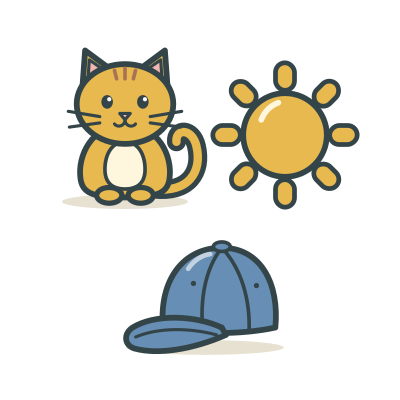
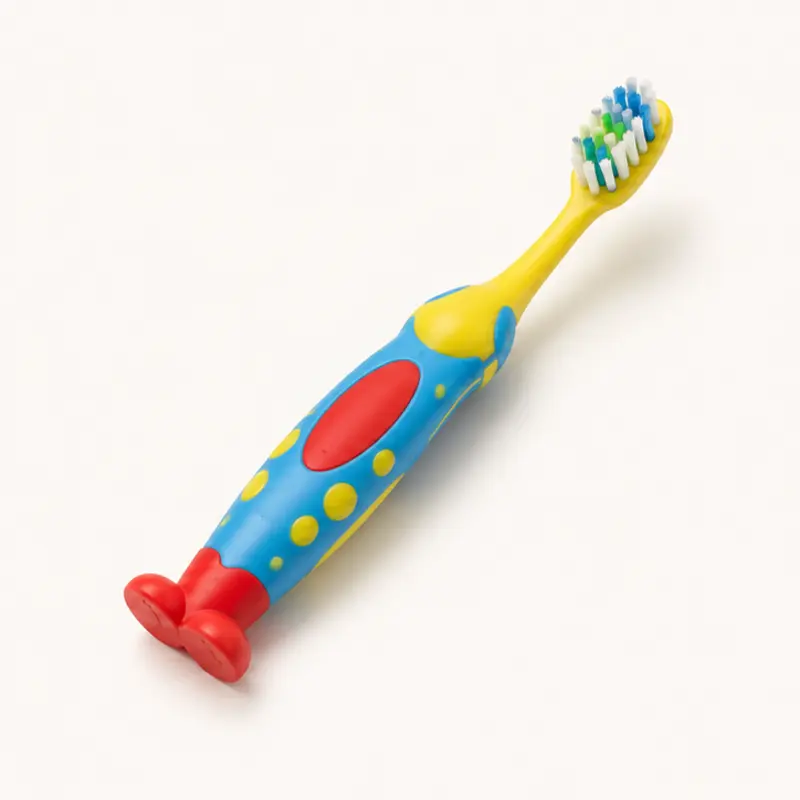
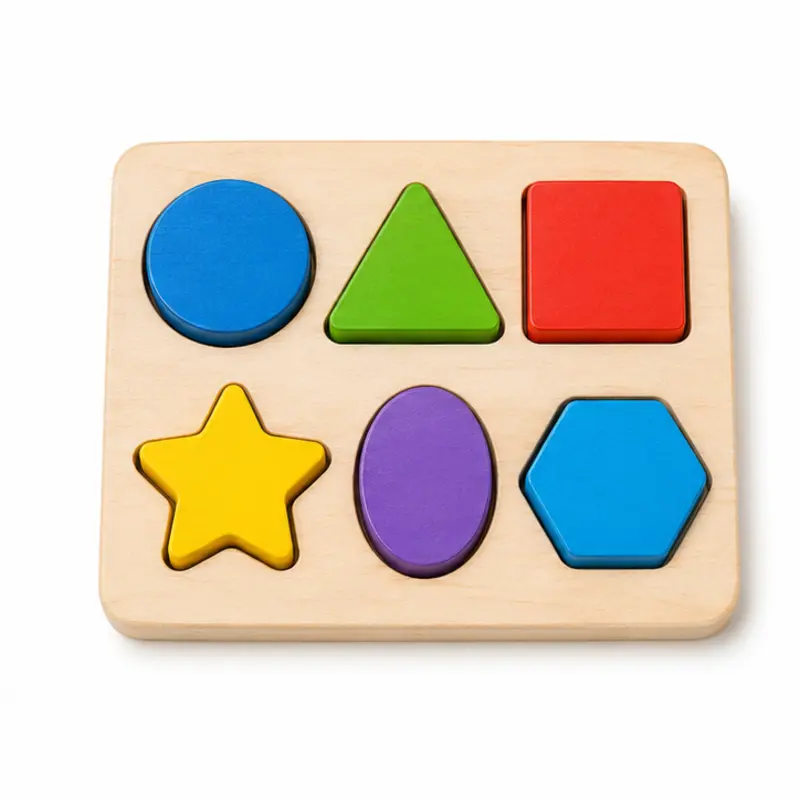
A sample picture sits at the top. The learner taps the picture below that matches it: the very same photo, a different photo of the same thing, or another member of the same group.
When
- Early learners who don’t yet follow spoken instructions: matching needs no words.
- Building scanning and attending to pictures before listener and tact work on the same items.
- Checking that a learner recognizes an item across different photos, and knows what belongs together.
Why
- There’s no audio, so the task is purely visual. Say “Match” yourself if that’s part of your program.
- Levels step up from identical pictures, to messy arrays, to different photos of the same item, to items from the same group.
- Pictures that contain or closely resemble each other never share an array, and items that could fairly belong to the group are never wrong choices.
- A wrong tap highlights the right picture: a prompt that isn’t scored as correct.
How
- On the setup screen, pick a level: Same · 3, Same · 6 messy, Other photo · 4, Other photo · 6 messy, or Same group · 4. Then tap Play.
- Point to the sample if needed. The small line under it tells you the answer.
- Let the learner respond. A correct tap earns stars and moves on. A wrong tap prompts the right answer.
- Use Skip, Log, Hold to reset, and End the same way as in Find It. Rounds are 10 trials.
Saved to the dashboard: The first tap on every trial, plus skips. Each sample item is a target, and the most common errors show the picture chosen instead. Changing the level starts a new phase on the graph.